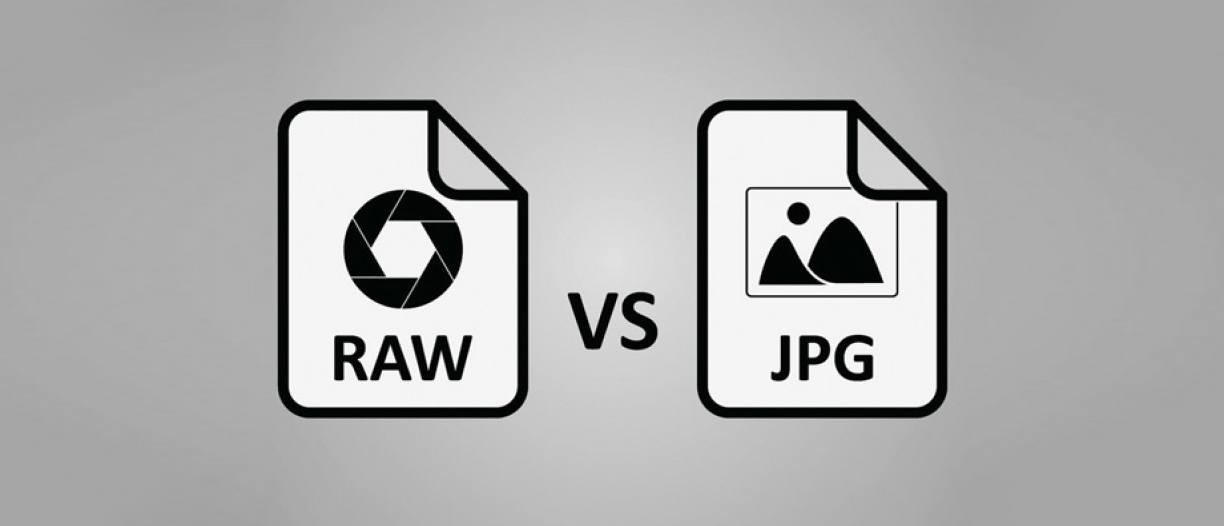
In the world of digital photography, there is an ongoing debate about the best image format to use: RAW or JPG. Both formats have their advantages and disadvantages, and choosing the right one can greatly impact your final results. In this blog post, we'll delve into the differences between RAW and JPG, and help you decide which format suits your needs.
- Understanding RAW and JPG:
- RAW: RAW is an uncompressed and unprocessed image format that captures all the data recorded by your camera's sensor. It contains a wealth of information, including color temperature, exposure, and white balance, allowing for greater control during post-processing.
- JPG: JPG (or JPEG) is a compressed image format that applies various algorithms to reduce file size. It discards some image data during compression, resulting in a smaller file size but also a loss of image quality.
- Image Quality:
- RAW: Since RAW files retain all the sensor data, they offer the highest image quality and dynamic range. This format provides more room for editing and correcting exposure, white balance, and other settings without sacrificing image quality.
- JPG: JPG files are more suitable for final images ready to be shared or printed directly from the camera. While the compression reduces image quality, it can still produce visually appealing results, especially when shot in optimal lighting conditions.
- Post-Processing Flexibility:
- RAW: With RAW files, you have full control over the editing process. You can adjust exposure, white balance, shadows, highlights, and other parameters without causing significant image degradation. RAW images are like a digital negative that allows you to fine-tune your images to your desired look.
- JPG: Editing JPG files is limited because the compression process discards some data. While you can make basic adjustments like cropping or color correction, extensive editing can lead to a loss of image quality due to the format's limited dynamic range.
- File Size and Storage:
- RAW: RAW files are larger in size due to their uncompressed nature, taking up more storage space on your memory cards and hard drives. This can be a consideration if you frequently shoot in burst mode or if you have limited storage capacity.
- JPG: JPG files are significantly smaller than RAW files due to compression, making them more manageable in terms of storage. This format allows you to store more images on your memory cards and hard drives, making it convenient for photographers who capture large volumes of images.
- Speed and Workflow:
- RAW: Working with RAW files often requires more processing power and time since they need to be processed and converted to other formats before being shared or printed. However, the extra effort can be rewarding for photographers who prioritize ultimate image quality and control.
- JPG: JPG files are ready to use straight out of the camera. They can be easily shared online or printed without any additional processing, making them ideal for situations where speed and efficiency are paramount.
Conclusion: Choosing between RAW and JPG ultimately depends on your specific needs as a photographer. If you value maximum image quality, flexibility in post-processing, and have the storage capacity to handle larger files, RAW is the way to go. On the other hand, if you prioritize convenience, speed, and smaller file sizes, JPG is a reliable format for capturing and sharing images. Understanding the strengths and weaknesses of both formats will enable you to make an informed decision based on your photography style and goals.